 Rowan WMS
Product
What Rowan WMS does, piece by piece
No mockups, no roadmap promises: this is what's built and tested today.

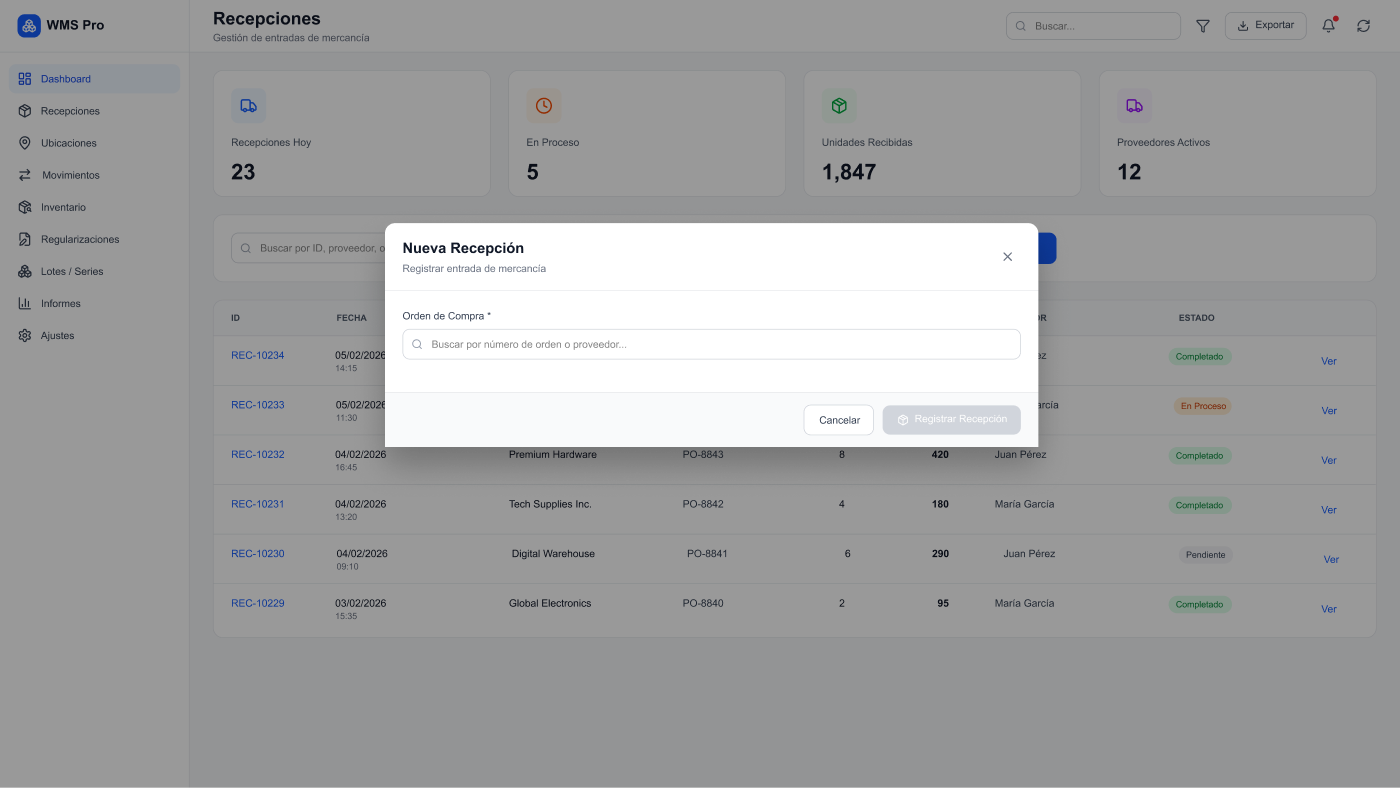
Receiving against a purchase order
Every inbound delivery is logged against a purchase order: expected is checked against received, line by line, before the stock counts as yours. Discrepancies — too much, too little, or the wrong SKU — are flagged, not buried in the total.
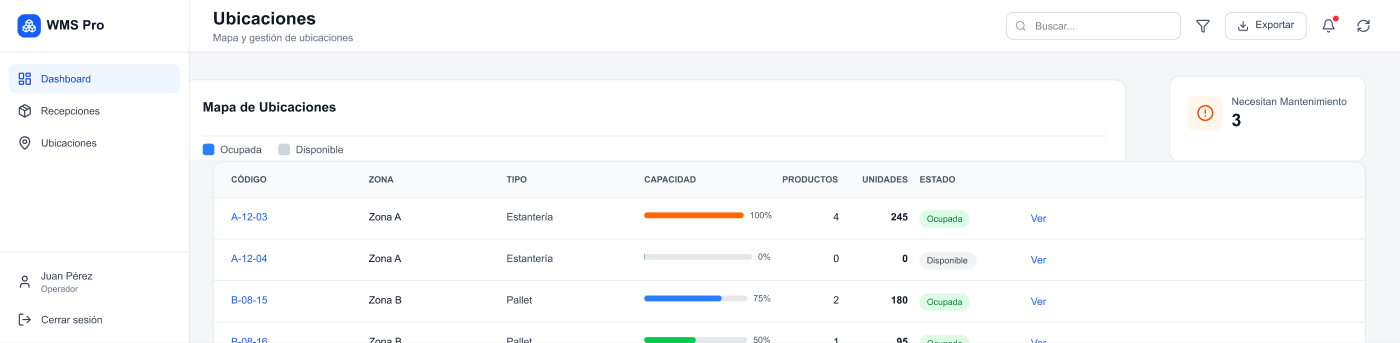
Locations with their own rules
The warehouse is modelled as real locations, each with a type — picking, reserve, receiving, shipping or quarantine —, a maximum capacity and a replenishment threshold. Transfers between locations don't change the SKU's total in the warehouse: they only move the granular detail, so ‘how much do I have’ never depends on having every pallet located.
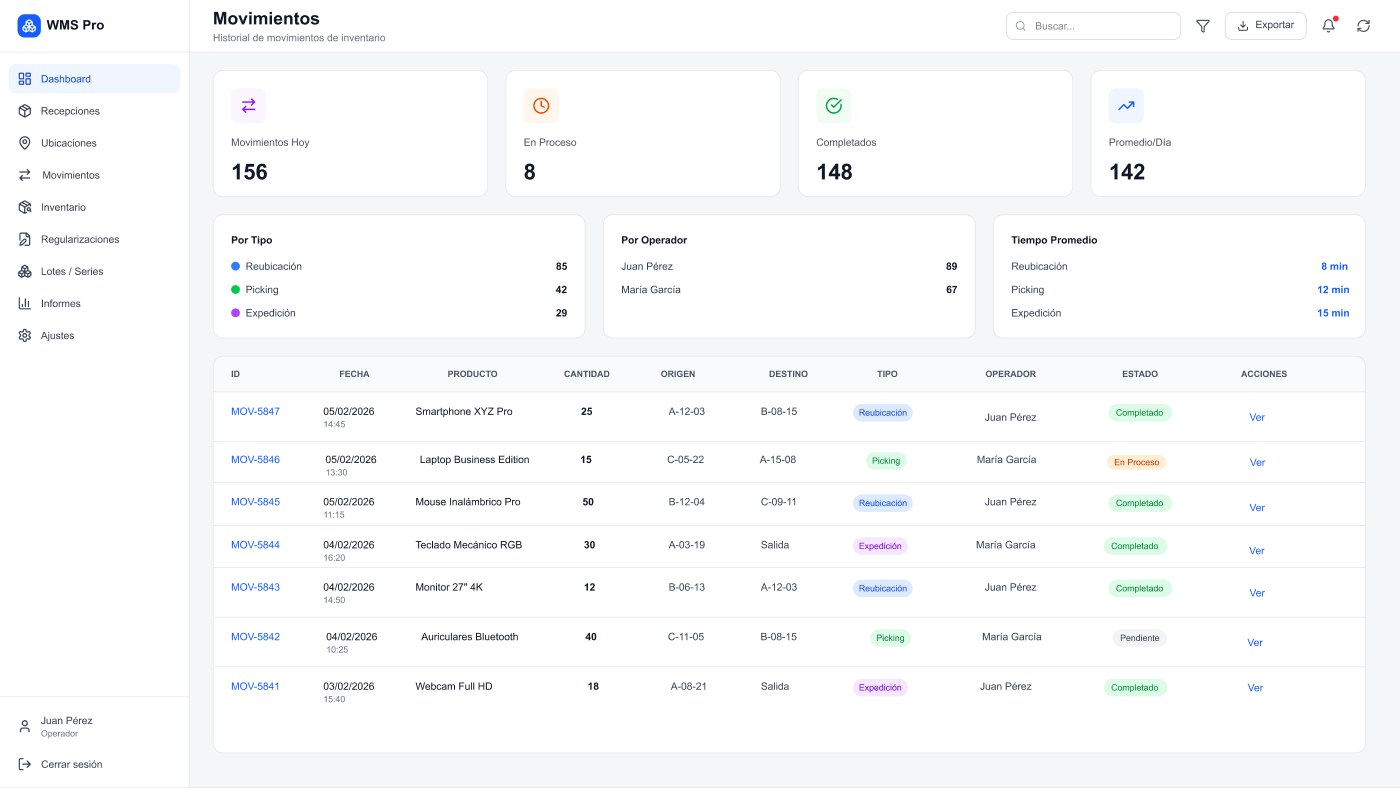
Picking with automatic replenishment
Picking orders draw from the picking slot assigned to each SKU. When that slot runs low, the system proposes pulling more from reserve before the order gets stuck for lack of accessible stock.
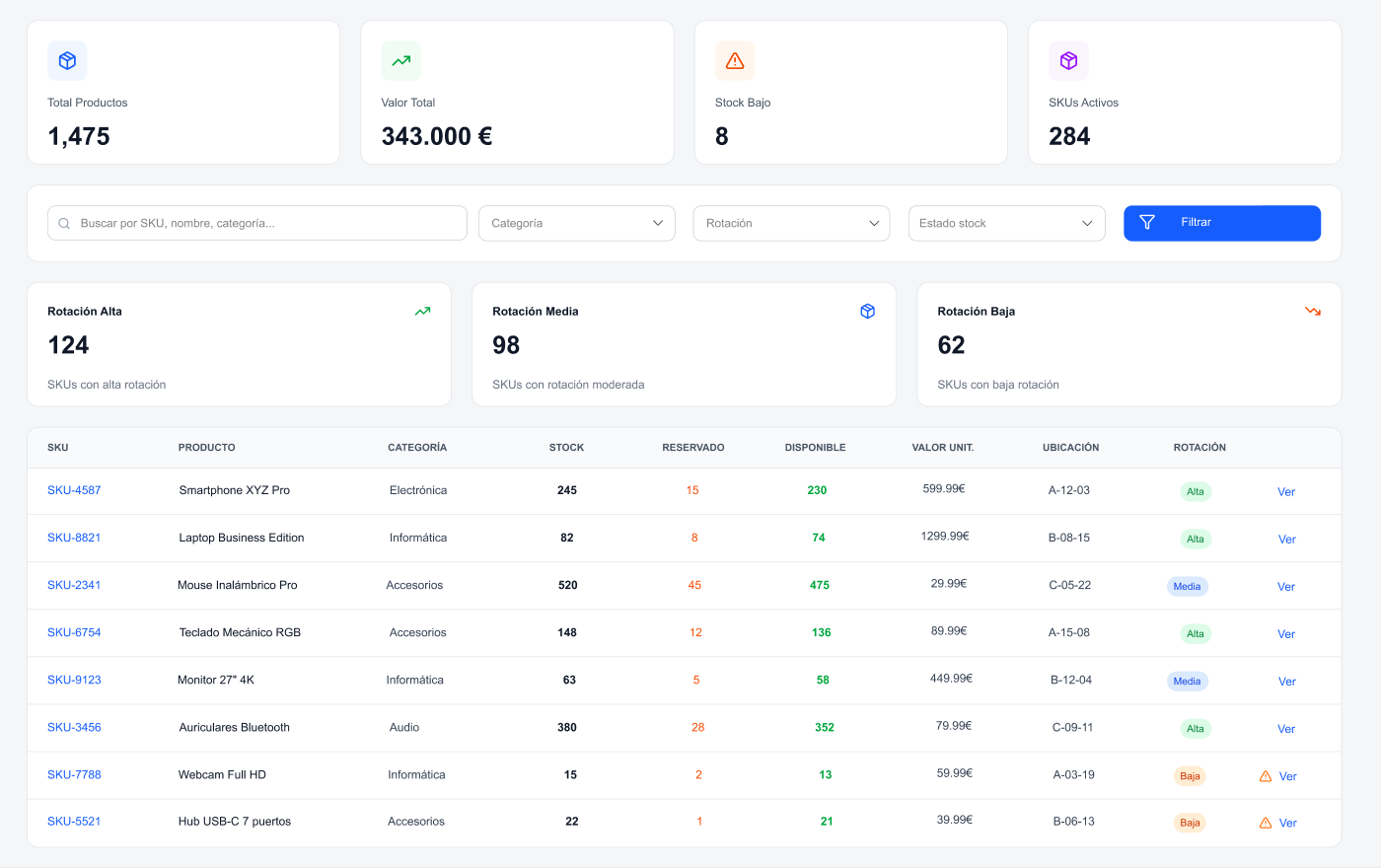
Cycle counting
Counts are scheduled by zone, location or SKU and run without stopping the rest of the operation. Variances between what's counted and what's on record are reviewed and corrected from the count itself, with a trail of who and when.
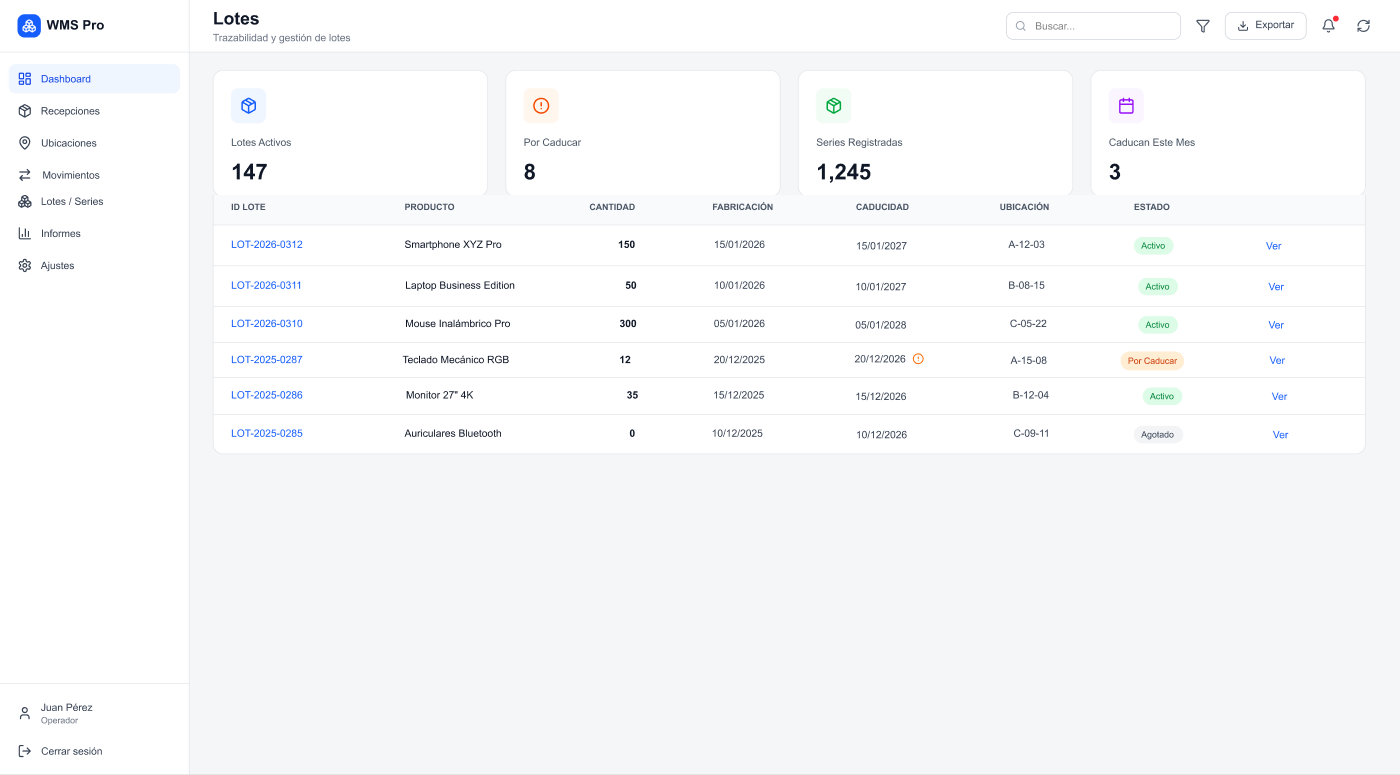
Lot and expiry traceability
Every located unit can carry a lot and an expiry date, and that data follows it through transfers. A dedicated dashboard classifies stock as expired, expiring soon (30 days), fine, or with no date on record, filterable by warehouse and SKU.
Packing and shipping in parcels
The lines of an already-picked order are grouped into parcels from the packing screen. Each parcel generates its own shipping note, ready to hand to the carrier without retyping anything.
Multi-warehouse and multi-organisation
Stock is consolidated by SKU across several warehouses and sites, with a group dashboard for the total without losing each warehouse's detail.
Access scoped by organisation
Each warehouse or client sees only its own data, even while sharing the same system: permissions are scoped by organisation, not a generic all-or-nothing switch.
A record of who and when
Every count, transfer, receipt and stock adjustment is logged with its user and timestamp. No need to take a movement on faith — you can look up who did it and when.
Want to see it fit your warehouse?
We'll walk you through these same screens with your own data, in a 30-minute demo.
Request a demo